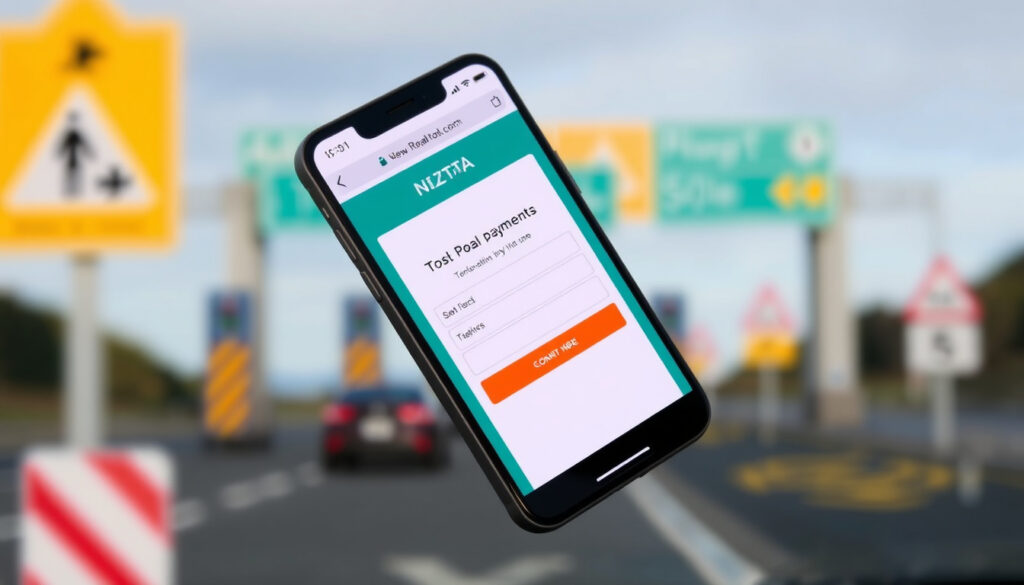
How to Check if You Owe a Toll Road Online in NZ – NZTA Guide
You took a toll road in New Zealand, maybe the Northern Gateway or the Tauranga Eastern Link, and now a quiet worry sits in the back of your mind: did I pay? Official records show that New Zealand has only 3 toll roads, and the standard payment window is just 5 days; this guide walks you through the exact steps to check and settle any outstanding tolls using the official NZTA portal, so you can avoid unnecessary fees and scams.
Number of toll roads in New Zealand: 3 ·
Standard payment deadline: 5 days ·
Late payment admin fee: $50 ·
Official payment website: tollingonline.nzta.govt.nz
Quick snapshot
- Visit tollingonline.nzta.govt.nz (NZTA Tolling)
- Enter your license plate number (NZTA pay-as-you-go)
- View any outstanding tolls (NZTA tolling page)
- Online via credit/debit card
- Phone payment (0800 40 20 20)
- Automatic top-up account
- Pay within 5 days to avoid fees
- $50 late fee after deadline
- Unpaid tolls may affect registration
- Only use official NZTA website
- Beware of fake payment links
- Report suspicious messages to NZTA
Three toll roads, one pattern: the official NZTA online system is the quickest way to see what you owe.
| Label | Value |
|---|---|
| Number of toll roads | 3 |
| Standard payment deadline | 5 days |
| Late payment admin fee | $50 |
| Official payment website | tollingonline.nzta.govt.nz |
How can I check if I owe a toll road online in New Zealand?
Using the NZTA tolling online portal
- Head to NZTA Tolling online – the official transaction centre.
- You need your vehicle registration plate handy.
- If you travelled on a toll road in the last 5 working days, the toll should appear online.
Checking by license plate number
- Enter the plate number exactly as it appears on your vehicle.
- The system will show any unpaid tolls tied to that plate.
- If nothing shows, the toll may not yet be loaded – check again later.
Contacting NZTA customer service
- Call 0800 40 20 20.
- Email tollroad@nzta.govt.nz.
- They can check for you if the online portal is not showing trips.
Checking early is cheap. A missed 5-day window adds a $50 fee. For rental car drivers, the cost can be even higher if the rental company charges an admin fee on top.
The implication: a quick online check saves time and money, especially for rental car users who might face added charges from their provider.
What happens if I don’t pay a toll in NZ?
Late payment fees and notices
- If you don’t pay within 5 days, a $50 admin fee is added.
- After 10 days, a Toll Payment Notice is posted to the registered owner of the vehicle.
- This notice includes the toll amount plus the admin fee.
Potential debt collection
- Continued non-payment may lead to debt collection action.
- NZTA can add unpaid tolls to your vehicle’s registration costs, meaning you can’t renew your rego until the debt is cleared.
Impact on vehicle registration
- Unpaid tolls are treated as a debt to the Crown. They can be added to your next registration fee.
- This can catch you out if you forget – you’ll end up paying more at the counter.
The $50 fee is fixed, but the real sting is the inconvenience. If your toll goes to a debt collector, you could face additional recovery costs.
What this means: ignoring a toll debt can escalate quickly, affecting your ability to register your vehicle and potentially incurring debt collection fees.
How long do I have to pay a toll in NZ?
Standard 5-day payment window
- You have 5 days from the day you used the toll road to pay the standard rate.
- This applies to all three toll roads: Northern Gateway, Tauranga Eastern Link, and the Takitimu Drive toll road.
What if I miss the deadline?
- After 5 days, the $50 admin fee kicks in.
- You still have until the 10-day mark before a notice is posted, but the fee is already added.
- After 10 days, the notice is mailed and you must pay the toll plus the fee.
The pattern: late payment adds a fixed fee, but the real risk is the notice and potential registration block – act within 5 days to stay clear.
How do you pay for toll roads in New Zealand?
Online payment via NZTA website
- Go to NZTA Tolling online and select “Pay As You Go”.
- Enter your vehicle registration and trip details.
- Pay with Visa, Mastercard, or POLi.
Phone payment
- Call 0800 40 20 20.
- Have your vehicle registration and a credit card ready.
- Phone lines are available during business hours.
Automatic payment account
- Set up a top-up account on the NZTA tolling portal.
- The system automatically deducts tolls as you use the roads.
- You can choose the top-up amount and funding method.
The catch: automatic top-up accounts remove the risk of forgetting, but require an initial setup. Phone payment is a backup during business hours.
Can I pay NZ tolls online?
Yes, via the official tolling portal
- The NZTA tolling site is available 24/7.
- It works for checking and paying any outstanding tolls.
- You can also apply for a refund if you overpaid.
Accepted payment methods
- Visa or Mastercard credit/debit cards.
- POLi (internet banking) – available for some banks.
- No cash or cheque payments accepted at the tolling portal.
Steps to pay online
- Visit tollingonline.nzta.govt.nz.
- Select “Pay As You Go”.
- Enter your vehicle registration number.
- Review the outstanding tolls.
- Enter payment details and confirm.
The implication: online payment gives you full control, 24/7 access, and the ability to fix errors quickly – no need to call or wait.
For information on personalised number plates, see our guide on Personalised Number Plates NZ: Costs, Rules & Guide.
For rental car users, compare providers at Rental Cars Auckland Airport: Cheapest & Best Providers Compared.
- NZTA is the official authority for toll roads (NZTA).
- Online payment is available at tollingonline.nzta.govt.nz (NZTA Tolling).
- Late fee applies after 5 days (NZTA pay-as-you-go).
- Exact amount of late fees may change over time.
- Whether rental car companies automatically pass tolls to customers is not standardised.
If you travelled on a toll road in the last 5 working days, you can pay online.
NZTA (official transport agency)
If NZTA shows no tolls, the toll may not yet have been loaded – check later.
For drivers who frequently use toll roads, the choice is clear: pay within 5 days online, or face a $50 fee and potential registration issues. Rental car users should check with their provider to avoid surprise admin charges.
wellingtonobserver.com, winzbenefits.co.nz, tollingonline.nzta.govt.nz, outthere.kiwi, tollguru.com, askkiwi.co.nz, allegation.wiki.ac.nz, nzpocketguide.com
Frequently asked questions
How do I pay for Northern Gateway toll?
Use the same NZTA tolling portal at tollingonline.nzta.govt.nz. Enter your vehicle registration and follow the prompts.
Can I pay tolls by cash?
No. NZTA only accepts online payments via Visa, Mastercard, or POLi, and phone payments by card.
What if I don’t receive a toll notice?
Check the online portal. If no toll shows, wait a few days and check again. If still nothing, contact NZTA at 0800 40 20 20.
How do I know if I have an unpaid toll from a rental car?
Check the rental company’s policy. Some pass on the toll directly, others charge an admin fee. Use the NZTA portal with the rental car’s plate to see if any tolls are outstanding.
Can I set up automatic toll payments?
Yes. On the NZTA tolling portal, you can set up a top-up account that automatically pays your tolls as you use the road.
Is there an app for NZ toll payments?
No official NZTA app exists. Always use the website at tollingonline.nzta.govt.nz.
How do I pay tolls for Tauranga Eastern Link?
Same as all NZ toll roads: use the online portal or call 0800 40 20 20.
What should I do if I get a scam toll message?
Do not click any links. Report it to NZTA at tollroad@nzta.govt.nz. Only use the official website to check or pay.
More related posts
 Property for Sale Wellington: Global Guide to 4 Markets
 Storage Box New Plymouth: Where to Buy Cheapest & Largest
 Park n Fly Auckland: Cheap Parking & Free Shuttle Guide
 Lawn Mowing Business for Sale: Pricing & Evaluation Tips
 TradeMe Horses for Sale: Complete Buyer’s Guide 2025
 ‘I Love You’ in Māori: Translation & Pronunciation
 Tesla Model Y Price NZ 2026: Costs and Buying Guide
 Things to Do in Lower Hutt: Top Attractions & Hidden Gems
